EPUB is the main file format used for e-books – it can be read by any e-reader or mobile app, and it’s accepted by retailers all over the world. While still less common than traditional paper books, e-books are steadily gaining popularity – and of the arguments for their continued development is that they are accessible also to people with disabilities, for example to anyone using a screen reader.
While it had always been recommended to ensure that e-books meet accessibility criteria, the European Union has recently (in June 2025) made it a requirement – which means that any EPUB (or PDF!) file that is going to be sold to the EU marketplace from now on has to meet the standards.
What EPUB accessibility actually means
The internationally recognized set of guidelines for creating accessible digital content is called WCAG – Web Content Accessibility Guidelines – and is created by W3C, the World Wide Web Consortium.
If you’d like to read them yourself, here are some useful links:
To be considered accessible, an EPUB file need to meet two main criteria:
- Include all the necessary metadata that let readers check if the book is appropriate for their needs (this includes information about, for example, what senses you need to perceive the content, or warnings about potential hazards, such as flashing or sound)
- Be constructed in a way that allows users of screen-readers to actually read the book (and this includes a lot smaller requirements)
Accessible e-book structure – a few more details
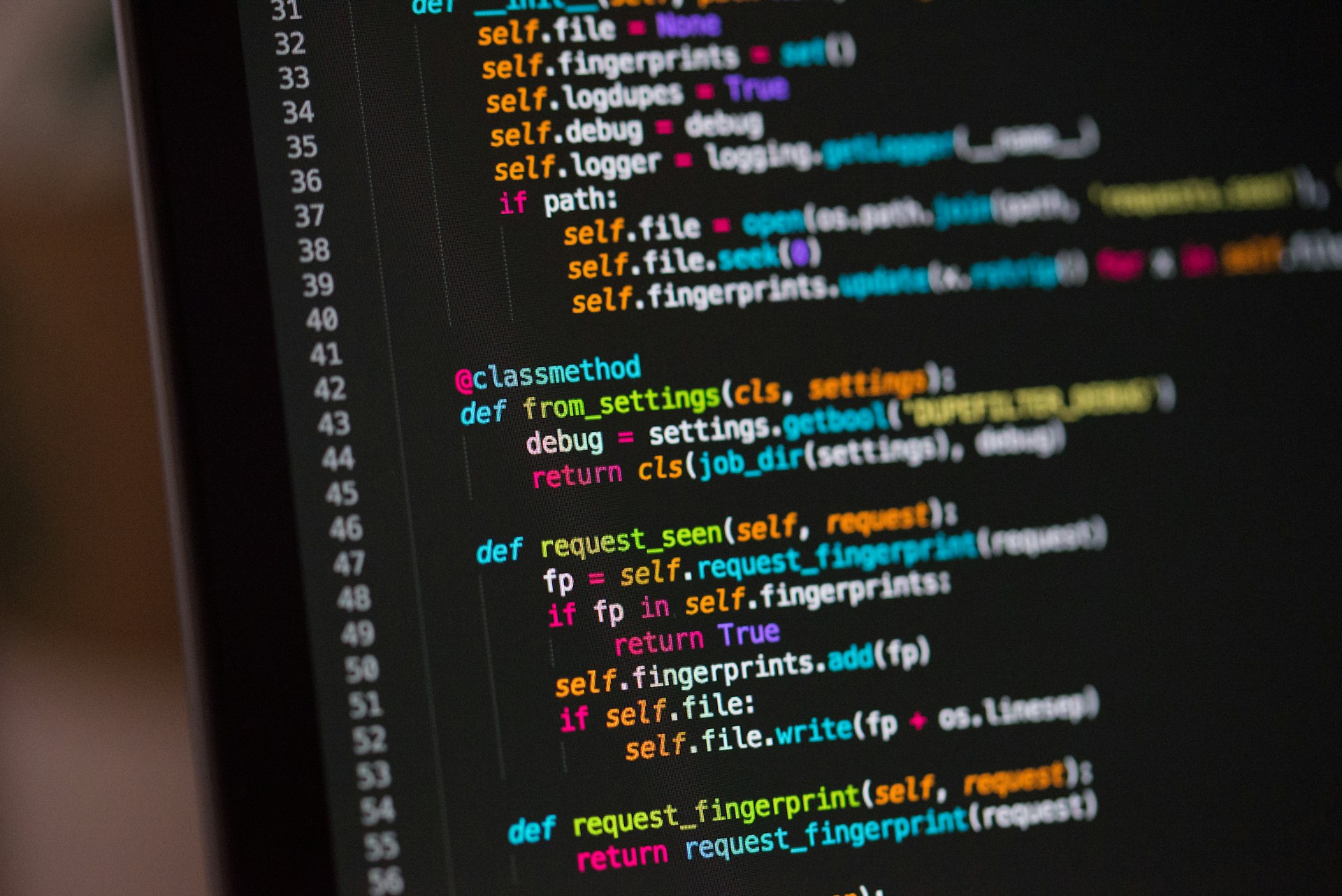
EPUB files are made of code – which means that, to create a properly working e-book, you need to be able to understand and manually edit XML, HTML5 and CSS. One of the requirements for accessibility is ensuring that the file is properly structured.
Here are some basic rules that you need to follow if you want your e-book to meet the accessibility criteria:
- Proper semantic structure and reading order – which means that headings should be tagged with a h1, h2, etc. tags, and body text should be tagged with p tags
- Table of contents and page navigation – make sure that your ToC is fully functional; in some cases you should strongly consider adding page navigation (read more here: [click]).
- Alternative text – all images should be accompanied by appropriate alt-text, describing what’s happening in the illustration. If your e-book is more interactive and includes audio and/or video files, include a transcript and/or an audio description.
- Contrast – if you’re using illustrations or colors in your book, make sure that different elements have strong enough contrast to be easily distinguished by people with color blindness
All of this is of course a bit more nuanced, so if you’re a designer – I strongly encourage you to read through the detailed specifications on the W3C website.
What does accessibility mean for you, the author?
Technical gibberish aside – what do the new EU laws mean for you, if you’re about to self-publish a book?
- If you want to sell to the EU market, your e-book has to meet the accessibility criteria. If it doesn’t, the retailers won’t sell it.
- Automatic Word/PDF to EPUB converters are not an option – you won’t be able to receive a file that conforms to the standards.
- It is likely that you will have to pay a bit more for an accessible EPUB, especially if you have a non-fiction book with a lot of non-textual content – it requires knowledge and is more time-consuming than creating a standard file. In my opinion, this shouldn’t affect novels.
- If you have any images in your book that are not purely decorative, you will need to prepare alternative text – descriptions that will help readers understand what’s happening in the illustration/graph/table. Purely decorative images don’t need alt-text.
But! There’s also a lot upsides of having an accessible e-book. The most important one is that you will be able to reach a wider audience – people with sight impairments, or color blindness, or other disabilities, will have an easy way of confirming that your book will be comfortable to read – and actually reading it, without missing crucial components. WHO estimates that there are 2.2 billion people is the world with visual impairments – and a lot of them do use screen readers.
And from a purely human, emotional standpoint – making something more accessible usually means a better experience for everyone.
Resources
If you’re a designer, here’s some resources that can help you with creating accessible EPUBs:
- WCAG guidelines
- ACE by Daisy – fair warning: you need to know how to use JavaScript to use it properly
- Acrobat accesibility checker – an instruction on how to check if your PDF is accessible
- Indesign accesibility checkers:
- “Check for accessibility” script – FREE
- “Accessibility for Indesign” plugin – $49/year
- Sigil accessibility checker for EPUBs: “Access aide” plugin
- Color contrast checkers:
And if you’re an author or an editor, here are some alt-text guidelines:
That’s it!
I hope you found this short article useful – let me know if you think it’s lacking something, or if you have an additional question.
I’m always up for a chat – get in touch via marta@martadec.eu.